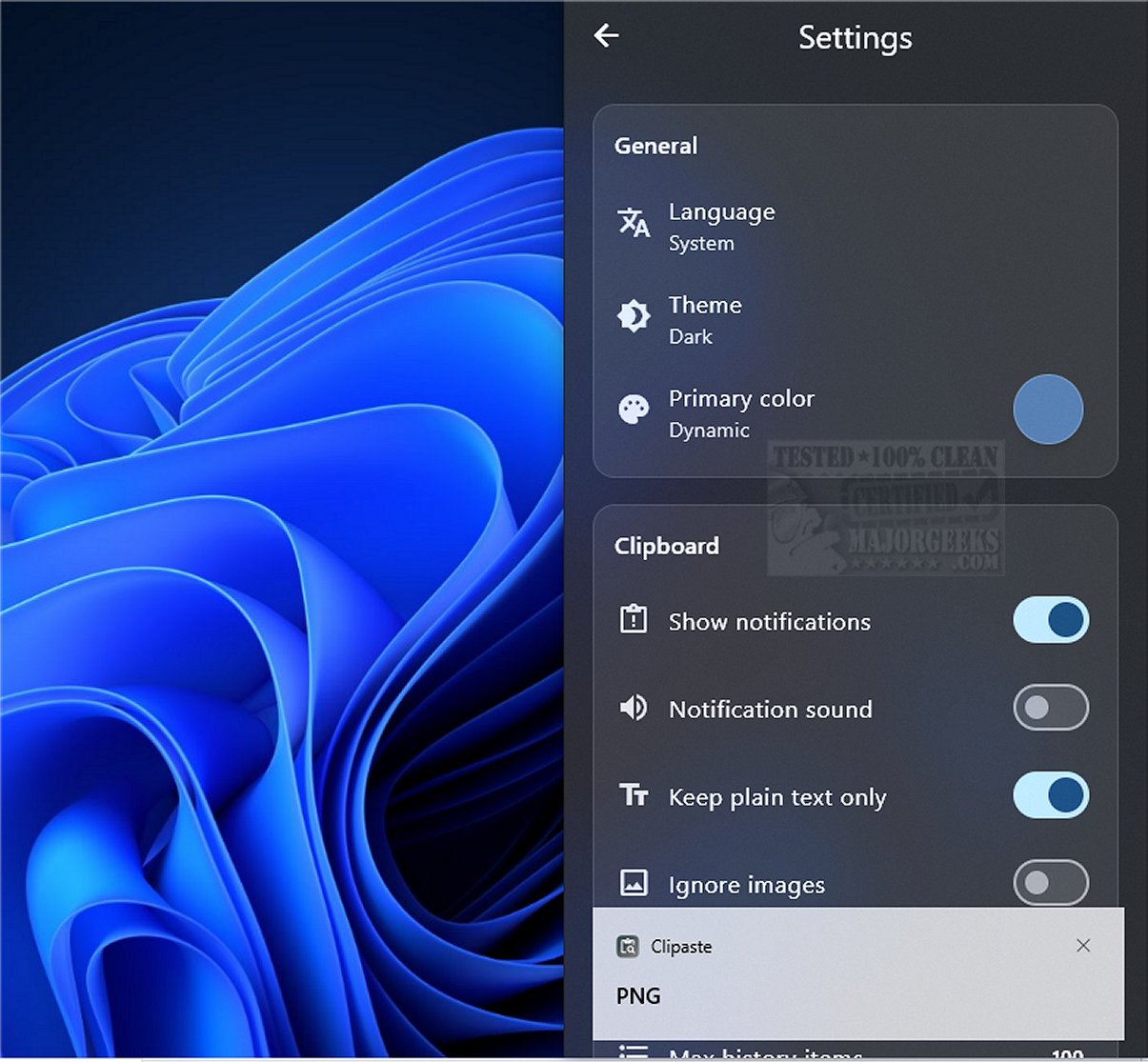
Clipaste is a cutting-edge clipboard manager prioritizing user privacy by maintaining a secure and searchable history of all copied items, including text, URLs, images, and files. Targeted at developers, designers, and writers, Clipaste streamlines the organization of snippets and accelerates daily tasks through advanced features.
Key Features of Clipaste:
1. Local Operation for Enhanced Security: Clipaste primarily functions on a local level, meaning all data is stored on your device with no external server uploads. This approach ensures maximum privacy, with all clipboard history secured using AES-256 encryption by default.
2. Support for Various Content Types: The application accommodates a diverse range of content, allowing you to copy and store plain text, formatted text, images, and files seamlessly. It operates non-intrusively, letting you access your clipboard history only when required.
3. Smart Search Capabilities: Clipaste's standout feature is its Smart Search, which enables users to quickly locate copied items by entering relevant keywords. Additionally, you can filter your history by application, making it easier to find specific types of content, such as links from Chrome or images from Photoshop. Users can also pin frequently used snippets for quick retrieval.
4. Keyboard Shortcuts and Drag-and-Drop Support: The application includes keyboard shortcuts for pasting previous items without needing a mouse, along with drag-and-drop functionality for transferring content into other applications effortlessly. The user interface is modern and visually appealing, complete with animations and a dark mode option.
The Geek Verdict:
Clipaste is an innovative application that transforms how users interact with their clipboard, turning it into a powerful productivity tool. By automatically saving every snippet of copied text, it enhances workflow efficiency, allowing users to work smarter. With Clipaste, users can experience a new level of convenience that significantly elevates their productivity.
Looking Ahead:
As Clipaste continues to evolve, future updates may include additional features such as cloud synchronization options for users who want to access their clipboard history across multiple devices, improved collaboration tools for teams, and enhanced customization settings to tailor the experience further to individual preferences. The ongoing commitment to user privacy and security will remain a cornerstone of Clipaste's development, ensuring it meets the needs of privacy-conscious users in an increasingly interconnected digital landscape
Key Features of Clipaste:
1. Local Operation for Enhanced Security: Clipaste primarily functions on a local level, meaning all data is stored on your device with no external server uploads. This approach ensures maximum privacy, with all clipboard history secured using AES-256 encryption by default.
2. Support for Various Content Types: The application accommodates a diverse range of content, allowing you to copy and store plain text, formatted text, images, and files seamlessly. It operates non-intrusively, letting you access your clipboard history only when required.
3. Smart Search Capabilities: Clipaste's standout feature is its Smart Search, which enables users to quickly locate copied items by entering relevant keywords. Additionally, you can filter your history by application, making it easier to find specific types of content, such as links from Chrome or images from Photoshop. Users can also pin frequently used snippets for quick retrieval.
4. Keyboard Shortcuts and Drag-and-Drop Support: The application includes keyboard shortcuts for pasting previous items without needing a mouse, along with drag-and-drop functionality for transferring content into other applications effortlessly. The user interface is modern and visually appealing, complete with animations and a dark mode option.
The Geek Verdict:
Clipaste is an innovative application that transforms how users interact with their clipboard, turning it into a powerful productivity tool. By automatically saving every snippet of copied text, it enhances workflow efficiency, allowing users to work smarter. With Clipaste, users can experience a new level of convenience that significantly elevates their productivity.
Looking Ahead:
As Clipaste continues to evolve, future updates may include additional features such as cloud synchronization options for users who want to access their clipboard history across multiple devices, improved collaboration tools for teams, and enhanced customization settings to tailor the experience further to individual preferences. The ongoing commitment to user privacy and security will remain a cornerstone of Clipaste's development, ensuring it meets the needs of privacy-conscious users in an increasingly interconnected digital landscape
Clipaste 1.0.2 released
Clipaste is a privacy-first clipboard manager that keeps a secure, searchable history of everything you copy: text, URLs, images, and files.