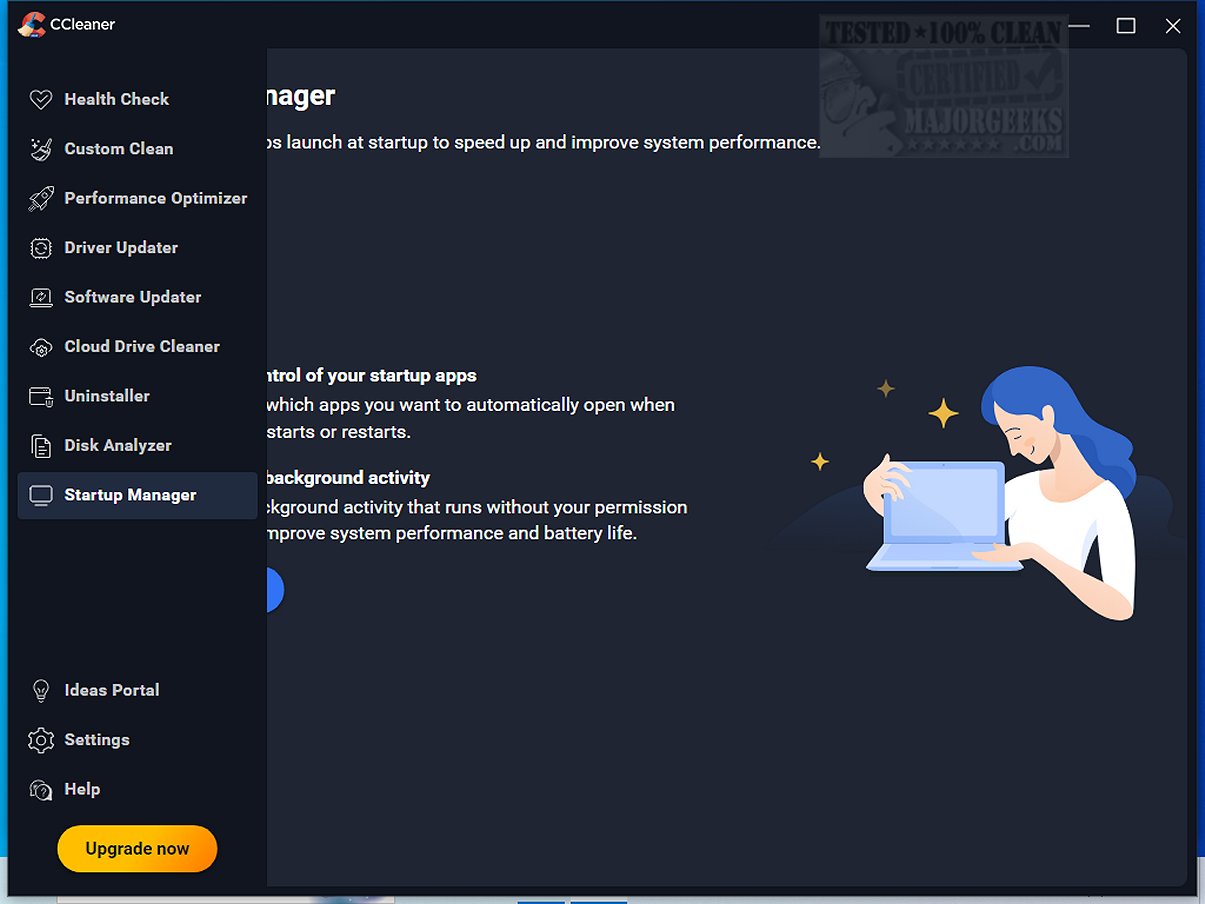
CCleaner Standard 7.6.1275.0 has recently been released, enhancing its reputation as a user-friendly and reliable tool for cleaning and optimizing drives. Since its launch in 2004, CCleaner has been used globally to help millions of users maintain their devices by removing digital clutter, which can slow down performance. The software offers a range of features including a conservative registry cleaner, startup manager, and more, all aimed at improving the efficiency of PCs and Macs.
The Standard version is free and is designed to help users clean up junk files, browser caches, cookies, and temporary files, thereby freeing up disk space and improving system performance. Paid versions provide added features such as automated updates and more extensive maintenance tools. CCleaner's Custom Clean option allows users to select specific items to clean, simplifying the cleanup process to just a few clicks.
One of CCleaner’s standout features is its Health Check tool, which scans for outdated applications, privacy trackers, and unused programs, allowing users to make informed decisions about what to remove. The Performance Optimizer and Startup Manager help boost system speed by managing resource-heavy applications, while the Drive Wiper and Disk Analyzer features assist in identifying and removing unnecessary data.
Additionally, CCleaner offers a safe Registry Cleaner to tackle various PC errors by identifying and removing invalid registry entries. Privacy protection features ensure that users can browse the internet without leaving behind sensitive data, and enhancements for Chromium browsers have been included.
The latest update introduces a modernized interface with customizable themes and improved features, such as an upgraded Software Uninstaller capable of removing stubborn applications and batch uninstalling multiple apps simultaneously. The Disk Analyzer has also been optimized for faster processing of duplicate file removals.
CCleaner is not only effective in cleaning and optimizing but also allows users to adapt their system maintenance according to personal preferences. With continuous updates ensuring compatibility and new features, CCleaner remains a trusted choice for both PC and Mac users.
In summary, CCleaner distinguishes itself in the marketplace as a powerful yet easy-to-use tool for maintaining system health, boosting performance, and enhancing privacy. For users looking to streamline their devices and reclaim valuable storage space, CCleaner is an essential software that promises ongoing support and innovation. Whether you are a novice or an experienced user, CCleaner is a worthy addition to your software toolkit.
For those seeking alternatives, comparisons can be made with other drive cleaners like Wise Disk Cleaner and PrivaZer, but CCleaner's comprehensive feature set and user-friendly design make it a standout choice
The Standard version is free and is designed to help users clean up junk files, browser caches, cookies, and temporary files, thereby freeing up disk space and improving system performance. Paid versions provide added features such as automated updates and more extensive maintenance tools. CCleaner's Custom Clean option allows users to select specific items to clean, simplifying the cleanup process to just a few clicks.
One of CCleaner’s standout features is its Health Check tool, which scans for outdated applications, privacy trackers, and unused programs, allowing users to make informed decisions about what to remove. The Performance Optimizer and Startup Manager help boost system speed by managing resource-heavy applications, while the Drive Wiper and Disk Analyzer features assist in identifying and removing unnecessary data.
Additionally, CCleaner offers a safe Registry Cleaner to tackle various PC errors by identifying and removing invalid registry entries. Privacy protection features ensure that users can browse the internet without leaving behind sensitive data, and enhancements for Chromium browsers have been included.
The latest update introduces a modernized interface with customizable themes and improved features, such as an upgraded Software Uninstaller capable of removing stubborn applications and batch uninstalling multiple apps simultaneously. The Disk Analyzer has also been optimized for faster processing of duplicate file removals.
CCleaner is not only effective in cleaning and optimizing but also allows users to adapt their system maintenance according to personal preferences. With continuous updates ensuring compatibility and new features, CCleaner remains a trusted choice for both PC and Mac users.
In summary, CCleaner distinguishes itself in the marketplace as a powerful yet easy-to-use tool for maintaining system health, boosting performance, and enhancing privacy. For users looking to streamline their devices and reclaim valuable storage space, CCleaner is an essential software that promises ongoing support and innovation. Whether you are a novice or an experienced user, CCleaner is a worthy addition to your software toolkit.
For those seeking alternatives, comparisons can be made with other drive cleaners like Wise Disk Cleaner and PrivaZer, but CCleaner's comprehensive feature set and user-friendly design make it a standout choice
CCleaner Standard 7.6.1275.0 released
CCleaner is an easy-to-use, safe, well-known drive cleaner with other additional features including a conservative registry cleaner, startup manager, and more. Video tutorial available.