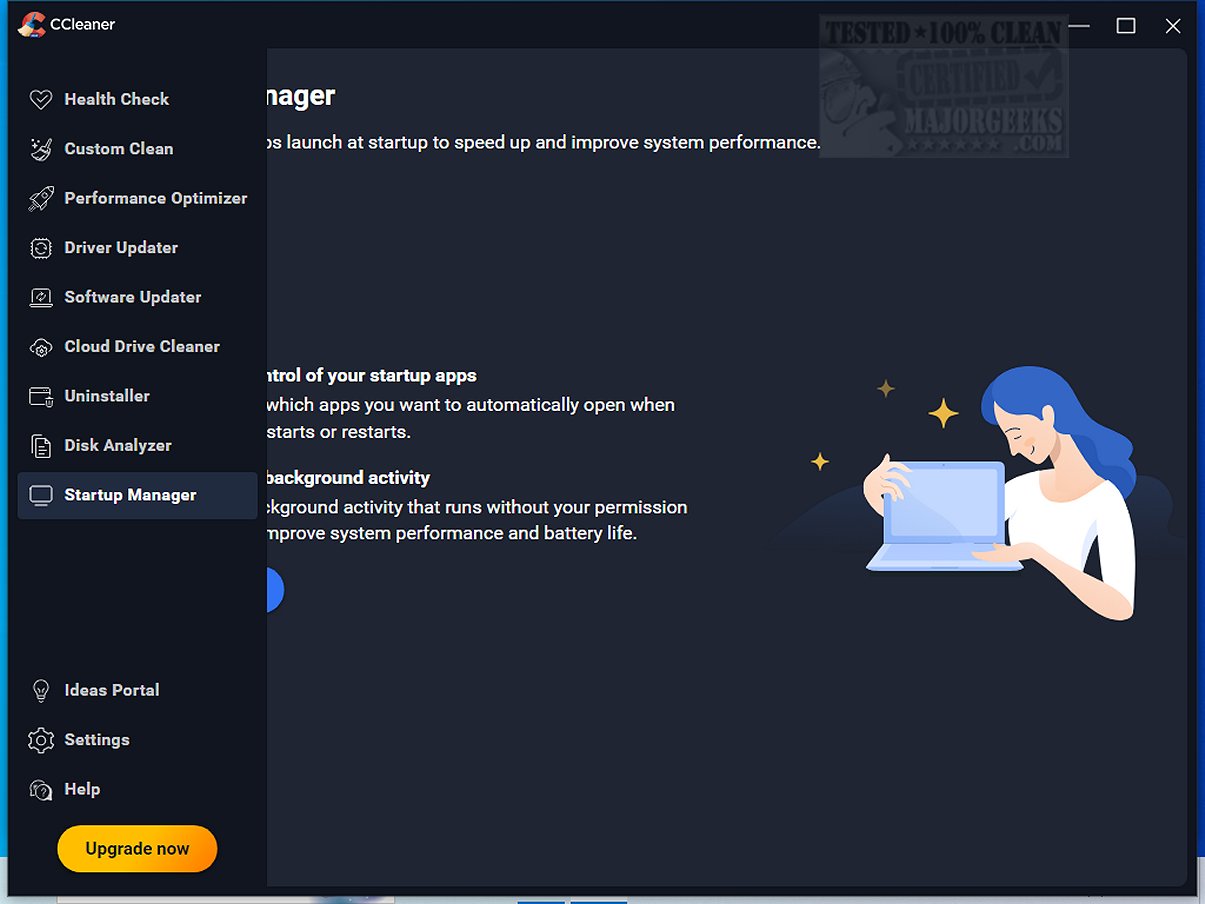
CCleaner Standard 7.5.1255.0 has been released, enhancing its reputation as a user-friendly and reliable drive cleaner, known for its additional features like a registry cleaner and startup manager. Trusted by millions since its launch in 2004, CCleaner effectively optimizes PCs and Macs, making it accessible for users of all experience levels.
CCleaner simplifies the cleanup process with just a few clicks, allowing users to target specific areas like browser caches and temporary files. Its Health Check feature acts as a system diagnostic tool, identifying outdated applications and privacy concerns while giving users control over suggested changes. The software also improves performance by managing startup applications, enabling faster boot times and extending battery life.
For those facing system errors, CCleaner’s Registry Cleaner safely identifies and removes invalid entries, enhancing stability without the risks typically associated with registry modifications. Additionally, CCleaner prioritizes user privacy by eliminating digital traces left from online activities, with updated features specifically for Chromium browsers.
Recent updates to CCleaner deliver a modern interface that is customizable with different themes and improved compatibility for newer devices. The Software Uninstaller has been significantly enhanced to allow for batch removal of programs, while the Disk Analyzer now operates more efficiently in identifying and removing duplicate files.
Overall, CCleaner remains a top choice for both novice and advanced users, continually evolving with regular updates and new features to ensure optimal device performance and security. With its blend of functionality and ease of use, CCleaner proves to be an essential tool for those looking to maintain a clean and efficient computer system.
In addition, CCleaner is complemented by CCEnhancer, which expands its cleaning capabilities. Users can also explore other cleaning tools like Wise Disk Cleaner and PrivaZer to find the best fit for their needs. Whether you're looking to declutter your digital space or enhance your device's performance, CCleaner stands out as a comprehensive solution. Don't hesitate—take advantage of this powerful tool to restore your system's efficiency and speed
CCleaner simplifies the cleanup process with just a few clicks, allowing users to target specific areas like browser caches and temporary files. Its Health Check feature acts as a system diagnostic tool, identifying outdated applications and privacy concerns while giving users control over suggested changes. The software also improves performance by managing startup applications, enabling faster boot times and extending battery life.
For those facing system errors, CCleaner’s Registry Cleaner safely identifies and removes invalid entries, enhancing stability without the risks typically associated with registry modifications. Additionally, CCleaner prioritizes user privacy by eliminating digital traces left from online activities, with updated features specifically for Chromium browsers.
Recent updates to CCleaner deliver a modern interface that is customizable with different themes and improved compatibility for newer devices. The Software Uninstaller has been significantly enhanced to allow for batch removal of programs, while the Disk Analyzer now operates more efficiently in identifying and removing duplicate files.
Overall, CCleaner remains a top choice for both novice and advanced users, continually evolving with regular updates and new features to ensure optimal device performance and security. With its blend of functionality and ease of use, CCleaner proves to be an essential tool for those looking to maintain a clean and efficient computer system.
In addition, CCleaner is complemented by CCEnhancer, which expands its cleaning capabilities. Users can also explore other cleaning tools like Wise Disk Cleaner and PrivaZer to find the best fit for their needs. Whether you're looking to declutter your digital space or enhance your device's performance, CCleaner stands out as a comprehensive solution. Don't hesitate—take advantage of this powerful tool to restore your system's efficiency and speed
CCleaner Standard 7.5.1255.0 released
CCleaner is an easy-to-use, safe, well-known drive cleaner with other additional features including a conservative registry cleaner, startup manager, and more. Video tutorial available.