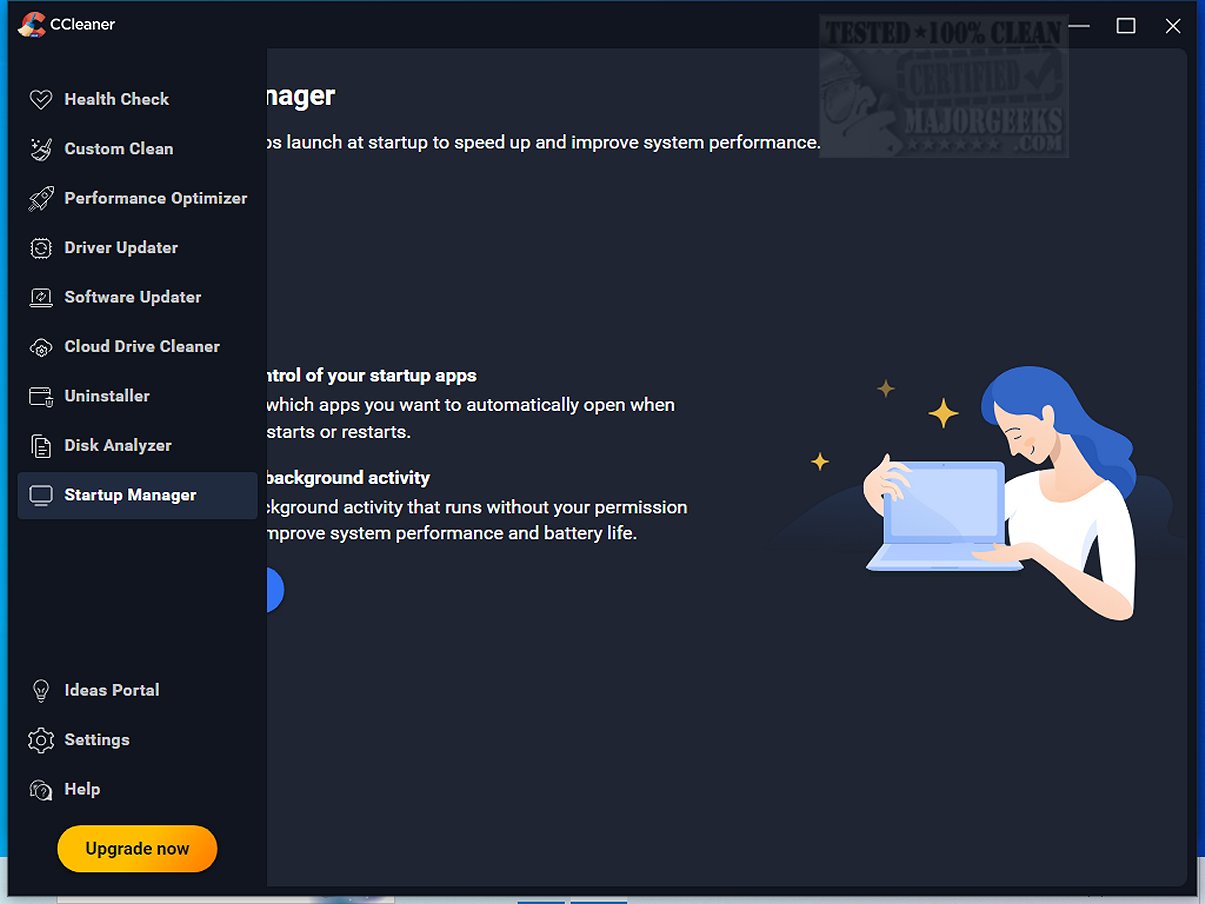
CCleaner Standard 7.5.1241.0 has been released, offering users a comprehensive tool for cleaning and optimizing their devices. This well-established software, trusted by millions since its launch in 2004, allows both novice and expert users to streamline their PCs, Macs, and browsing experiences with ease.
Performance is significantly boosted through tools like the Performance Optimizer and Startup Manager, which help manage resource-heavy applications and improve boot times. For gamers and multitaskers, features such as the Drive Wiper and Disk Analyzer allow users to clear up space by identifying duplicates and removing unnecessary files efficiently.
The Registry Cleaner addresses PC errors and crashes by scanning for invalid registry entries, ensuring a stable system without the risk associated with manual registry edits. Furthermore, CCleaner enhances privacy by securely clearing browsing data, including cookies and logs, with recent updates improving the cleaning capabilities for Chromium browsers.
By consistently performing maintenance with CCleaner, users can ensure their devices run smoothly, retain privacy, and free up valuable disk space, enhancing overall computing experience. If you’re in search of software that effectively combines cleaning, optimization, and security features, CCleaner should be at the top of your list.
Key Features
CCleaner's primary function is to eliminate junk files, temporary data, and unnecessary clutter that can slow down systems. Its Custom Clean option empowers users to select specific data to remove, ranging from browser caches to Windows log files, all with just a few clicks. Additionally, the Health Check feature scans for outdated applications, privacy threats, and unused programs, giving users the autonomy to approve changes before they are made.Performance is significantly boosted through tools like the Performance Optimizer and Startup Manager, which help manage resource-heavy applications and improve boot times. For gamers and multitaskers, features such as the Drive Wiper and Disk Analyzer allow users to clear up space by identifying duplicates and removing unnecessary files efficiently.
The Registry Cleaner addresses PC errors and crashes by scanning for invalid registry entries, ensuring a stable system without the risk associated with manual registry edits. Furthermore, CCleaner enhances privacy by securely clearing browsing data, including cookies and logs, with recent updates improving the cleaning capabilities for Chromium browsers.
Advanced Functionality
Beyond basic cleaning, CCleaner offers tools for software uninstallation, driver updates, and duplicate file finding, making it a versatile choice for system maintenance. The software is also optimized for Macs, featuring functionalities like bad photo detection and automatic browser cleanup.New Enhancements
The latest version introduces a modern, responsive interface, customizable themes, and ARM64 support for newer devices. The Software Uninstaller has been upgraded to efficiently manage stubborn programs and multiple uninstalls at once, while the Disk Analyzer now operates faster, enhancing the user experience.Conclusion
CCleaner stands out as a powerful, user-friendly tool that balances simplicity and advanced features, making it ideal for both casual and tech-savvy users. Regular updates ensure it remains a reliable choice for maintaining optimal system performance and security. If you're looking to revitalize a sluggish system, CCleaner is an essential software that can make a significant difference.By consistently performing maintenance with CCleaner, users can ensure their devices run smoothly, retain privacy, and free up valuable disk space, enhancing overall computing experience. If you’re in search of software that effectively combines cleaning, optimization, and security features, CCleaner should be at the top of your list.
Related Topics
For those interested in further optimizing their systems, consider exploring comparisons with other drive cleaners like Wise Disk Cleaner and PrivaZer, or learning how to use Windows' Storage Sense and PowerShell for secure file deletion and registry managementCCleaner Standard 7.5.1241.0 released
CCleaner is an easy-to-use, safe, well-known drive cleaner with other additional features including a conservative registry cleaner, startup manager, and more. Video tutorial available.