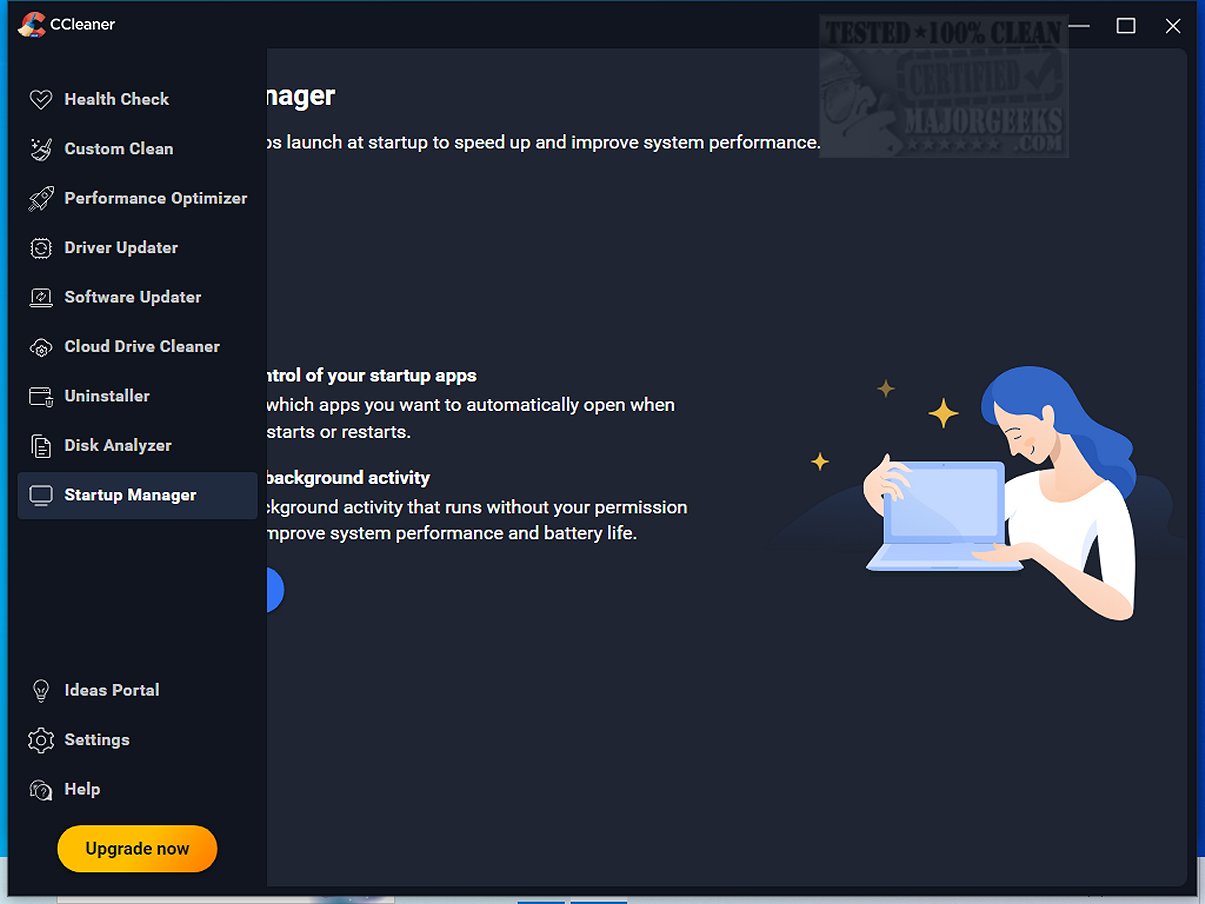
The release of CCleaner Standard 7.3.1120 brings a fresh look and enhanced functionality to this popular drive cleaning software, which has been a trusted tool for optimizing computer performance since 2004. CCleaner is designed for users of all skill levels and offers various features, including a registry cleaner, startup manager, and privacy protection tools. The software helps users eliminate digital clutter, which can slow down their devices, and allows for easy custom cleanups of junk files, browser caches, and unnecessary data.
One of the standout features of CCleaner is the Health Check function, which scans for outdated applications and privacy issues, empowering users to decide which changes to make. Additionally, the Performance Optimizer and Startup Manager help improve loading times and extend battery life by managing resource-heavy applications. For gamers and multitaskers, CCleaner provides Disk Analyzer and Drive Wiper features to help reclaim disk space efficiently.
The registry cleaning feature of CCleaner is particularly noteworthy for its safety; it meticulously checks for invalid entries while allowing users to confirm any fixes. Privacy protection is also a critical aspect of CCleaner, as it ensures that sensitive browsing information is securely erased.
The latest version introduces a modern user interface that adapts to various screen sizes and allows for theme customization. The Software Uninstaller has seen significant improvements, enabling bulk uninstallation of applications and removal of leftover files more effectively. The Disk Analyzer has also been upgraded for quicker duplicate file management.
Overall, CCleaner distinguishes itself by combining user-friendly design with comprehensive features suitable for both novices and tech enthusiasts. Regular updates keep the software relevant, making it an essential tool for maintaining optimal device performance.
In conclusion, CCleaner remains a critical asset for anyone looking to enhance their computer's performance, improve security, and manage storage efficiently. The recent updates reinforce its position while paving the way for future innovations that could further streamline PC maintenance
One of the standout features of CCleaner is the Health Check function, which scans for outdated applications and privacy issues, empowering users to decide which changes to make. Additionally, the Performance Optimizer and Startup Manager help improve loading times and extend battery life by managing resource-heavy applications. For gamers and multitaskers, CCleaner provides Disk Analyzer and Drive Wiper features to help reclaim disk space efficiently.
The registry cleaning feature of CCleaner is particularly noteworthy for its safety; it meticulously checks for invalid entries while allowing users to confirm any fixes. Privacy protection is also a critical aspect of CCleaner, as it ensures that sensitive browsing information is securely erased.
The latest version introduces a modern user interface that adapts to various screen sizes and allows for theme customization. The Software Uninstaller has seen significant improvements, enabling bulk uninstallation of applications and removal of leftover files more effectively. The Disk Analyzer has also been upgraded for quicker duplicate file management.
Overall, CCleaner distinguishes itself by combining user-friendly design with comprehensive features suitable for both novices and tech enthusiasts. Regular updates keep the software relevant, making it an essential tool for maintaining optimal device performance.
Extended Insights:
In addition to its existing features, the latest CCleaner version could benefit from more advanced analytics and reporting on system performance over time, allowing users to track improvements after cleanups. Incorporating machine learning could also enable the software to offer personalized cleanup suggestions based on user habits. Furthermore, expanding compatibility with cloud storage services might allow users to manage and clean data stored online, aligning with the increasing shift towards cloud-based computing. As digital clutter continues to evolve, CCleaner’s ability to adapt and enhance its functionalities will be crucial in maintaining its status as a leading optimization tool.In conclusion, CCleaner remains a critical asset for anyone looking to enhance their computer's performance, improve security, and manage storage efficiently. The recent updates reinforce its position while paving the way for future innovations that could further streamline PC maintenance
CCleaner Standard 7.3.1120 released
CCleaner is an easy-to-use, safe, well-known drive cleaner with other additional features including a conservative registry cleaner, startup manager, and more. Video tutorial available. CCEnhancer can extend the cleaning capabilities of CCleaner.