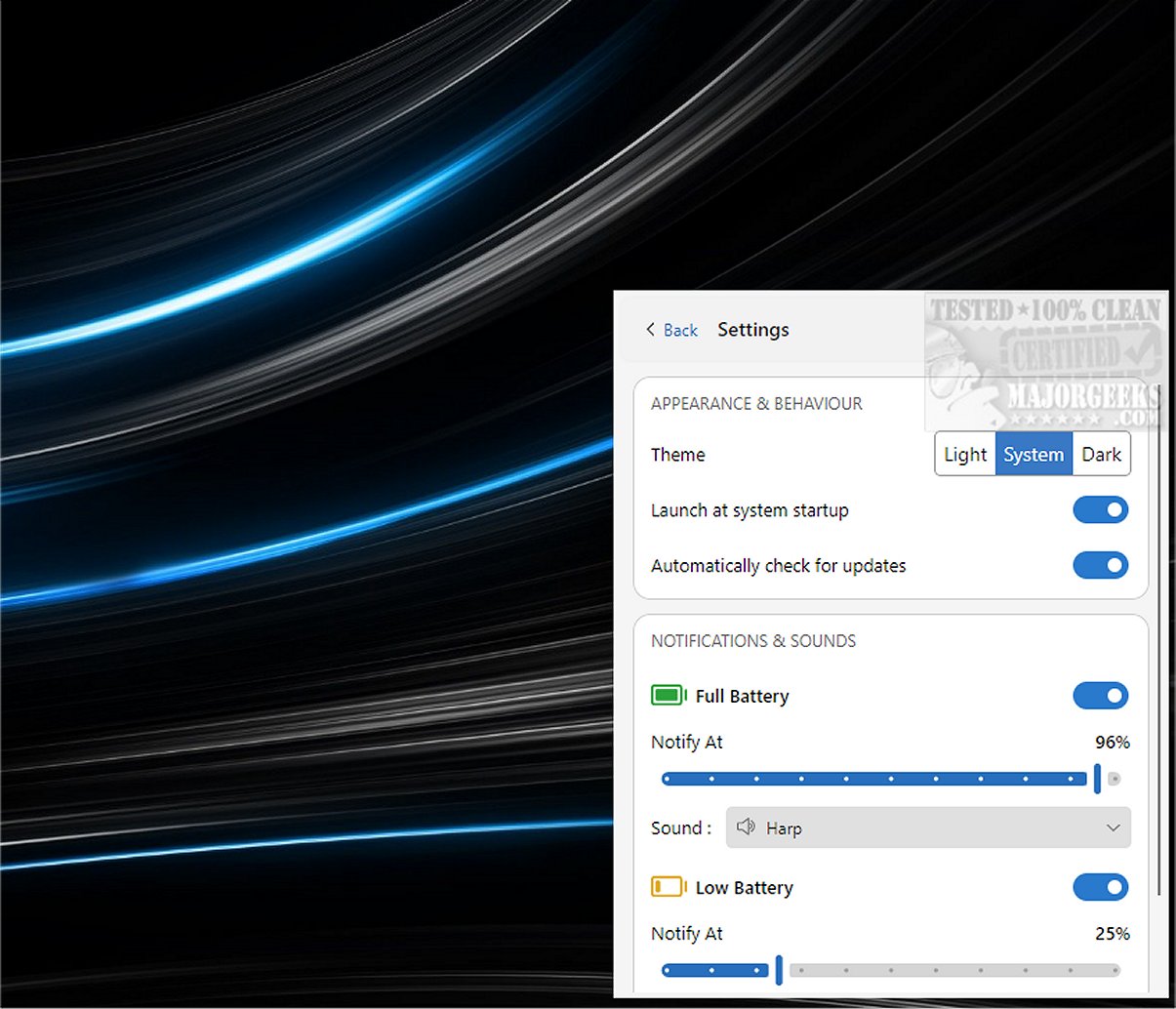
Battery Notifier 4.2.0 has been released, offering users a free and open-source solution to monitor their battery charging status. The application provides notifications when the battery is fully charged or when it needs to be plugged in. It requires installation along with the latest Visual Basic Runtimes and operates quietly in the System Tray, activating notifications only when necessary.
In addition to its primary function of battery monitoring, Battery Notifier also serves as a system information tool, delivering insights into both the designed and current battery capacity, as well as estimating remaining battery life. Users receive alerts through a small popup accompanied by a pleasant sound, which can be customized in the settings. Notifications for full or low battery can be turned off, and users can specify the battery percentage that triggers notifications. Additional features include custom sound options, a dark mode, and the ability to display the app as a window.
While Windows provides its own battery notifications, Battery Notifier enhances the user experience with a more extensive range of features and a user-friendly interface. Users looking for tips on battery management can also explore related topics, such as creating a battery saver shortcut, setting up notifications for a fully charged laptop, and checking battery health on Windows 10 and 11.
In conclusion, Battery Notifier 4.2.0 is an essential tool for anyone who wants a more tailored and informative approach to managing their device's battery life. Its customizable features and user-friendly design make it a valuable addition for both casual users and tech enthusiasts alike
In addition to its primary function of battery monitoring, Battery Notifier also serves as a system information tool, delivering insights into both the designed and current battery capacity, as well as estimating remaining battery life. Users receive alerts through a small popup accompanied by a pleasant sound, which can be customized in the settings. Notifications for full or low battery can be turned off, and users can specify the battery percentage that triggers notifications. Additional features include custom sound options, a dark mode, and the ability to display the app as a window.
While Windows provides its own battery notifications, Battery Notifier enhances the user experience with a more extensive range of features and a user-friendly interface. Users looking for tips on battery management can also explore related topics, such as creating a battery saver shortcut, setting up notifications for a fully charged laptop, and checking battery health on Windows 10 and 11.
In conclusion, Battery Notifier 4.2.0 is an essential tool for anyone who wants a more tailored and informative approach to managing their device's battery life. Its customizable features and user-friendly design make it a valuable addition for both casual users and tech enthusiasts alike
Battery Notifier 4.2.0 released
Battery Notifier is a free and Open Source app that tracks your battery charging status and notifies you when the battery is full, or you need to connect your charger.