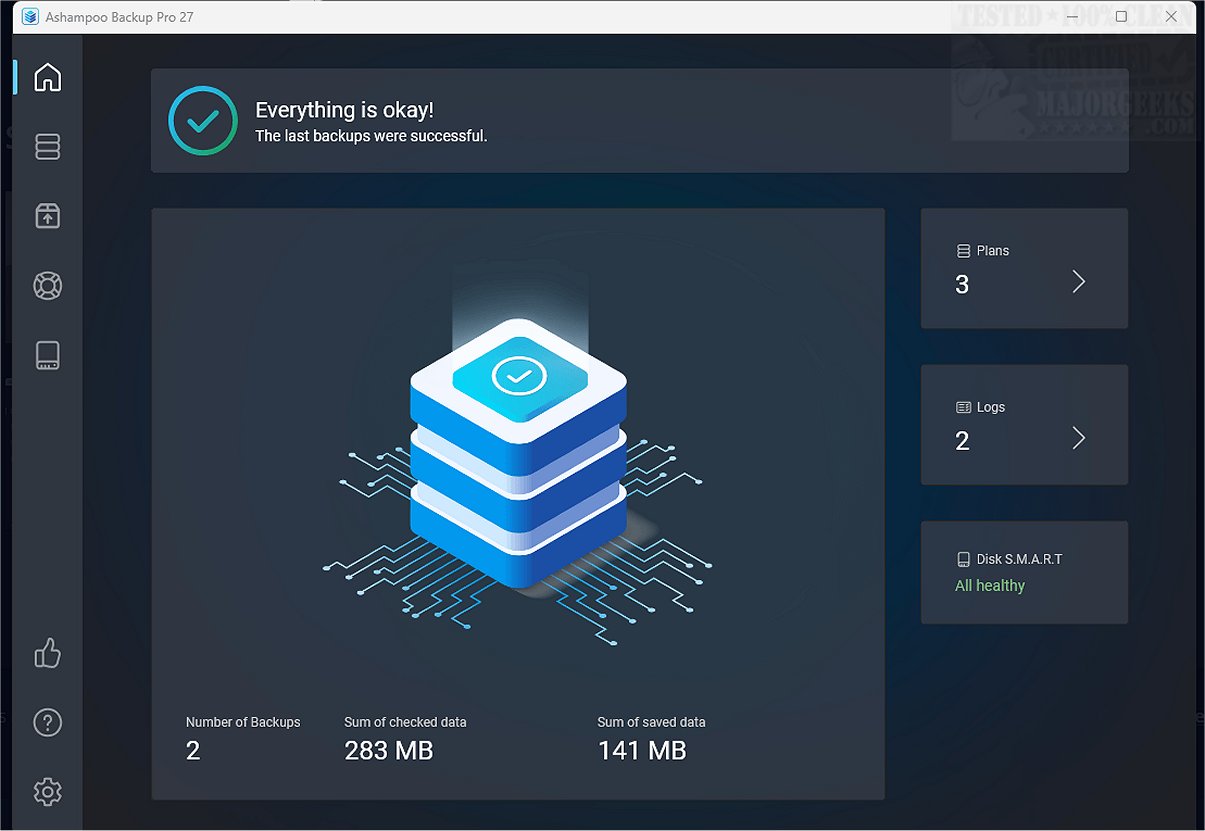
Ashampoo Backup Pro is a robust file protection solution tailored for both personal and business users. It offers a variety of features for performing backups on demand, automatically, or through scheduled tasks, ensuring consistent data protection.
Key Features of Ashampoo Backup Pro:
The software distinguishes itself from the simpler Backup 2025 version by providing a plethora of advanced features. Notable enhancements include:
- A modern interface with a dark mode option.
- Improved performance and an upgraded rescue system.
- Enhanced support for cloud features, such as compatibility with BitLocker and smartcards.
- The capability to restore individual files directly from backup images.
Functionality and Ease of Use:
Ashampoo Backup Pro allows users to create and manage multiple backup plans, safeguarding files, folders, settings, entire drives, and partitions through image backups. Setting up a backup plan is comprehensive yet user-friendly, guided by an intuitive wizard that simplifies the process into about 20 manageable steps. Users can select target drives, files for backup, and configure additional settings easily.
Automatic Backup Features:
The software supports not just manual backups but also allows for automatic scheduling. It features a plug-and-play capability that starts backups for removable devices and offers real-time monitoring of source files. This means that any changes detected in the files will automatically trigger a backup. Additionally, users can configure the software to shut down the computer upon completion of a backup.
Storage and Security Options:
Ashampoo Backup Pro allows backups to local or network drives and cloud services like Dropbox, Google Drive, and OneDrive. Users can choose between two backup storage formats—one that restricts access to the backup software and another that is accessible via Windows Explorer. The software also offers encryption for backup archives; however, users must be cautious as losing the encryption password can make the archive irretrievable. With ZLib compression, the software reduces the size of backed-up data, optimizing storage space.
Reporting and Monitoring:
Each backup job generates reports that can range from simple statistics to detailed summaries including error listings. The program can automatically send these reports via email for user convenience.
Conclusion: A Reliable Data Protection Solution
In summary, Ashampoo Backup Pro presents a powerful solution for data safeguarding through its seamless automatic and scheduled backup capabilities. With strong cloud storage support, extensive reporting features, a sophisticated data rescue system, and hard disk monitoring, it caters effectively to both individual users and businesses. Its ability to provide peace of mind regarding data protection makes it an excellent choice for anyone seeking a reliable backup solution. As technology evolves, users can expect continued updates and improvements to ensure their data remains secure
Key Features of Ashampoo Backup Pro:
The software distinguishes itself from the simpler Backup 2025 version by providing a plethora of advanced features. Notable enhancements include:
- A modern interface with a dark mode option.
- Improved performance and an upgraded rescue system.
- Enhanced support for cloud features, such as compatibility with BitLocker and smartcards.
- The capability to restore individual files directly from backup images.
Functionality and Ease of Use:
Ashampoo Backup Pro allows users to create and manage multiple backup plans, safeguarding files, folders, settings, entire drives, and partitions through image backups. Setting up a backup plan is comprehensive yet user-friendly, guided by an intuitive wizard that simplifies the process into about 20 manageable steps. Users can select target drives, files for backup, and configure additional settings easily.
Automatic Backup Features:
The software supports not just manual backups but also allows for automatic scheduling. It features a plug-and-play capability that starts backups for removable devices and offers real-time monitoring of source files. This means that any changes detected in the files will automatically trigger a backup. Additionally, users can configure the software to shut down the computer upon completion of a backup.
Storage and Security Options:
Ashampoo Backup Pro allows backups to local or network drives and cloud services like Dropbox, Google Drive, and OneDrive. Users can choose between two backup storage formats—one that restricts access to the backup software and another that is accessible via Windows Explorer. The software also offers encryption for backup archives; however, users must be cautious as losing the encryption password can make the archive irretrievable. With ZLib compression, the software reduces the size of backed-up data, optimizing storage space.
Reporting and Monitoring:
Each backup job generates reports that can range from simple statistics to detailed summaries including error listings. The program can automatically send these reports via email for user convenience.
Conclusion: A Reliable Data Protection Solution
In summary, Ashampoo Backup Pro presents a powerful solution for data safeguarding through its seamless automatic and scheduled backup capabilities. With strong cloud storage support, extensive reporting features, a sophisticated data rescue system, and hard disk monitoring, it caters effectively to both individual users and businesses. Its ability to provide peace of mind regarding data protection makes it an excellent choice for anyone seeking a reliable backup solution. As technology evolves, users can expect continued updates and improvements to ensure their data remains secure
Ashampoo Backup Pro 27.5.36 released
Ashampoo Backup Pro is a comprehensive file protection tool designed for both business and personal use. It provides a variety of features that enable users to perform backups on demand, automatically, or on a scheduled basis, ensuring that data is consistently protected.