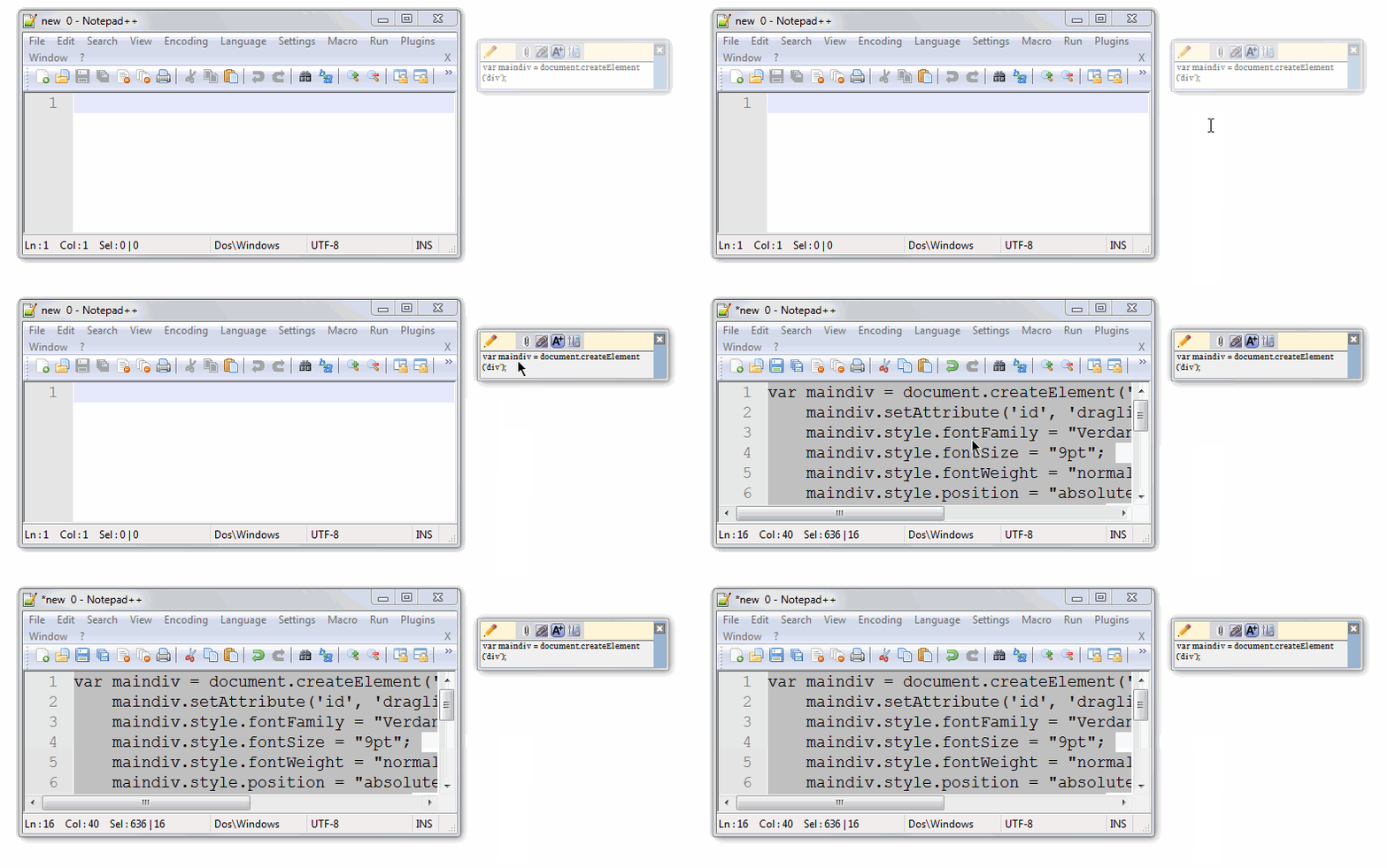
ArsClip 5.45 has been released, enhancing the functionality of this popular freeware utility that efficiently monitors and manages entries on the Windows clipboard. This version continues to allow users to paste copied content through a convenient triggered popup window, which can be activated via hotkeys, right-click hold, and other customizable methods.
Designed with portability in mind, ArsClip can be installed in the system's Program Files location; however, users of Windows Vista and later versions will find that this leads to data file virtualization within their profiles, potentially complicating the copying process. The utility is highly configurable, featuring a range of advanced options such as jumplist support, multiple permanent clip groups, support for rich text, file copying, and HTML content. Additionally, it includes keypress emulation to streamline user interactions.
For those seeking to optimize their clipboard management, ArsClip offers practical solutions alongside other resources. Users can learn how to copy file paths to the clipboard, clear clipboard history using shortcuts, or even disable clipboard history in Windows 10 and 11 for privacy concerns.
Looking ahead, future versions may include even more features to enhance usability, such as improved integration with cloud services for clipboard synchronization, enhanced security measures to protect sensitive information, and further customization options to tailor the experience to individual user needs
Designed with portability in mind, ArsClip can be installed in the system's Program Files location; however, users of Windows Vista and later versions will find that this leads to data file virtualization within their profiles, potentially complicating the copying process. The utility is highly configurable, featuring a range of advanced options such as jumplist support, multiple permanent clip groups, support for rich text, file copying, and HTML content. Additionally, it includes keypress emulation to streamline user interactions.
For those seeking to optimize their clipboard management, ArsClip offers practical solutions alongside other resources. Users can learn how to copy file paths to the clipboard, clear clipboard history using shortcuts, or even disable clipboard history in Windows 10 and 11 for privacy concerns.
Looking ahead, future versions may include even more features to enhance usability, such as improved integration with cloud services for clipboard synchronization, enhanced security measures to protect sensitive information, and further customization options to tailor the experience to individual user needs
ArsClip 5.45 released
ArsClip is a freeware utility that monitors and keeps track of entries on the Windows clipboard.