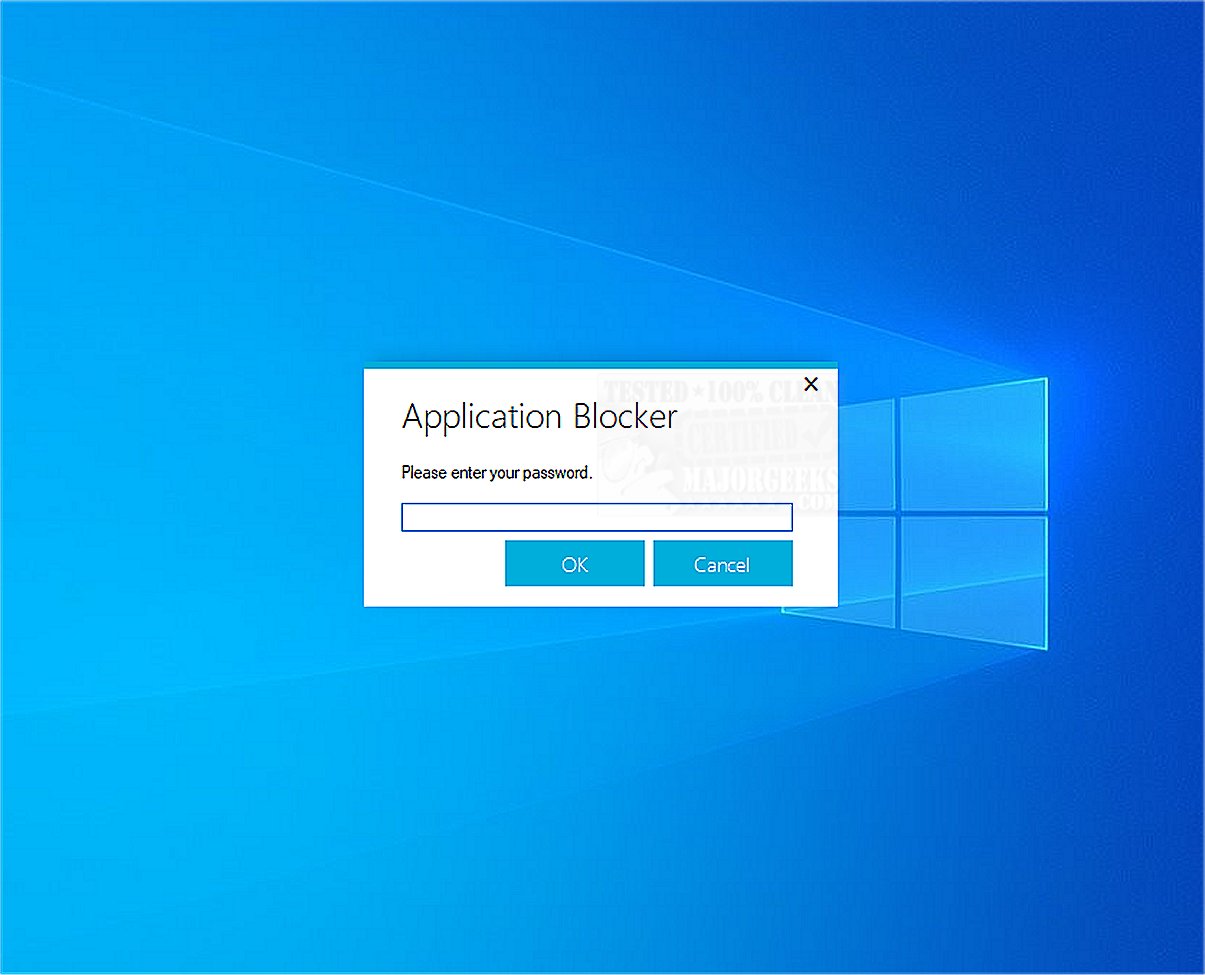
Application Blocker is a straightforward software restriction tool designed to prevent access to selected programs. This utility serves as an essential resource for both parental control and administrative purposes, facilitating the management of software accessibility.
Key Features of Application Blocker
1. User-Friendly Interface: The software boasts an easy-to-use, password-protected interface. Users can simply select any program file they wish to restrict and add it to a designated list. The security measures are robust, preventing average users from bypassing the restrictions easily.
2. Resource Efficiency: One of the standout features of Application Blocker is its minimal impact on system performance. It operates without running in the background, ensuring that your computer's overall functionality remains unaffected.
3. Ideal for Various Users: This tool is particularly beneficial for parents looking to manage their children's device usage, as well as schools and organizations that need to restrict access to specific software in controlled environments. Additionally, the user interface password feature further safeguards against unauthorized modifications to access settings.
4. Enhanced Productivity: By enabling selective access to essential applications, Application Blocker helps create a more focused environment, ultimately enhancing productivity for users.
Conclusion
In summary, Application Blocker is a powerful yet simple tool that empowers users to effectively manage software access. Whether for parental control, educational institutions, or shared computer environments, its features offer a reliable solution for maintaining control over program accessibility and ensuring a productive atmosphere.
Future Enhancements and Considerations
Looking ahead, further developments could include the integration of customizable blocking schedules, allowing users to set specific times for program accessibility. Additionally, incorporating analytics features could enable parents and administrators to monitor usage patterns, providing insights into software interaction and helping to refine restrictions further. As technology evolves, enhancing the tool’s compatibility with various operating systems and expanding its capabilities could also strengthen its utility across diverse user bases
Key Features of Application Blocker
1. User-Friendly Interface: The software boasts an easy-to-use, password-protected interface. Users can simply select any program file they wish to restrict and add it to a designated list. The security measures are robust, preventing average users from bypassing the restrictions easily.
2. Resource Efficiency: One of the standout features of Application Blocker is its minimal impact on system performance. It operates without running in the background, ensuring that your computer's overall functionality remains unaffected.
3. Ideal for Various Users: This tool is particularly beneficial for parents looking to manage their children's device usage, as well as schools and organizations that need to restrict access to specific software in controlled environments. Additionally, the user interface password feature further safeguards against unauthorized modifications to access settings.
4. Enhanced Productivity: By enabling selective access to essential applications, Application Blocker helps create a more focused environment, ultimately enhancing productivity for users.
Conclusion
In summary, Application Blocker is a powerful yet simple tool that empowers users to effectively manage software access. Whether for parental control, educational institutions, or shared computer environments, its features offer a reliable solution for maintaining control over program accessibility and ensuring a productive atmosphere.
Future Enhancements and Considerations
Looking ahead, further developments could include the integration of customizable blocking schedules, allowing users to set specific times for program accessibility. Additionally, incorporating analytics features could enable parents and administrators to monitor usage patterns, providing insights into software interaction and helping to refine restrictions further. As technology evolves, enhancing the tool’s compatibility with various operating systems and expanding its capabilities could also strengthen its utility across diverse user bases
Application Blocker 2.3.1 released
Application Blocker is a straightforward software restriction tool; its primary function is to prevent access to selected programs, making it a useful resource for both parental control and administrative purposes.