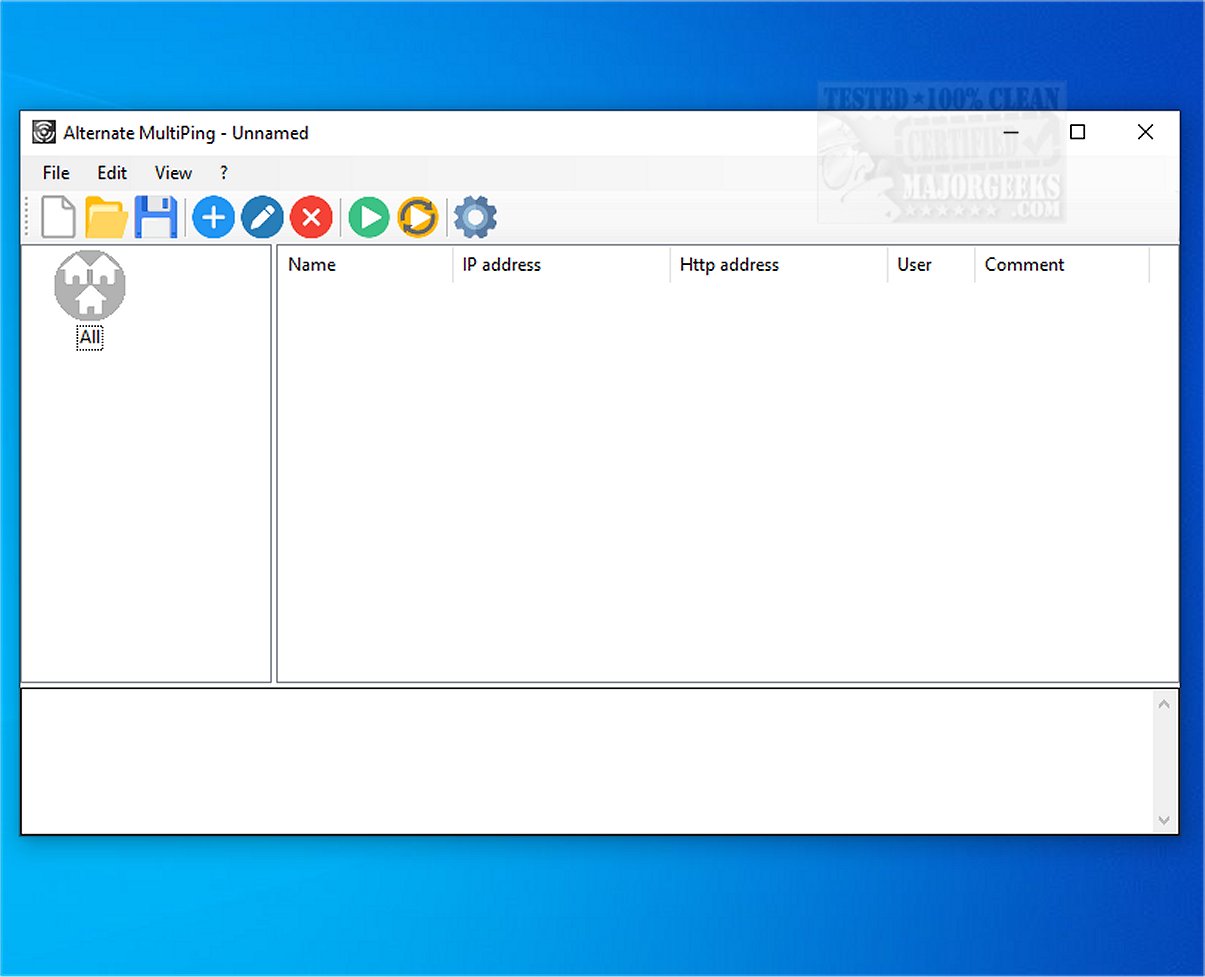
The recently released Alternate MultiPing 1.100 is a powerful tool designed for simultaneous pinging of multiple network hosts, making it an essential asset for effective network monitoring. This software streamlines the process of checking the availability of various network devices and addresses, allowing users to manage and oversee their network configurations more efficiently.
Key Features:
1. Simultaneous Pinging: Alternate MultiPing allows users to ping multiple hosts at once, improving the efficiency of connectivity checks across a range of network devices.
2. Organizational Capabilities: Users can categorize and group resources, making it easier to manage and monitor network configurations. This feature enhances oversight and simplifies the tracking of various devices.
3. User-Friendly Interface: The software boasts an intuitive graphical user interface (GUI) that simplifies the process of sending ping messages. This makes it accessible for users at all skill levels, from beginners to advanced network administrators.
4. Customizable Ping Settings: Users can adjust settings such as the ping interval (default set to 2000 milliseconds) and the number of ping commands. Results can be saved to a file or copied to the clipboard, providing flexibility in how data is managed.
5. Detailed Result Display: The ping results mimic those of the Command Line, providing essential information such as the response time, target address, success/failure status, and more. This consistency ensures users are familiar with the displayed data.
Conclusion and Further Possibilities:
Overall, Alternate MultiPing 1.100 stands out as an efficient tool for executing multiple ping commands across a wide range of hosts. While users can perform similar operations through the Windows Command Line, the benefits of a GUI and batch-mode functionality significantly enhance the user experience.
As network demands continue to evolve, further enhancements to the software could include features like advanced reporting tools, integration with network management systems, and real-time alerts for downtime. These additions would further position Alternate MultiPing as an indispensable tool for IT professionals and network administrators aiming to maintain optimal network performance and reliability.
For those looking to deepen their understanding of network diagnostics, resources on utilizing the ping command in Windows, flushing the Windows DNS cache, and exploring Windows Auto-Tuning are also available to complement the capabilities of Alternate MultiPing
Key Features:
1. Simultaneous Pinging: Alternate MultiPing allows users to ping multiple hosts at once, improving the efficiency of connectivity checks across a range of network devices.
2. Organizational Capabilities: Users can categorize and group resources, making it easier to manage and monitor network configurations. This feature enhances oversight and simplifies the tracking of various devices.
3. User-Friendly Interface: The software boasts an intuitive graphical user interface (GUI) that simplifies the process of sending ping messages. This makes it accessible for users at all skill levels, from beginners to advanced network administrators.
4. Customizable Ping Settings: Users can adjust settings such as the ping interval (default set to 2000 milliseconds) and the number of ping commands. Results can be saved to a file or copied to the clipboard, providing flexibility in how data is managed.
5. Detailed Result Display: The ping results mimic those of the Command Line, providing essential information such as the response time, target address, success/failure status, and more. This consistency ensures users are familiar with the displayed data.
Conclusion and Further Possibilities:
Overall, Alternate MultiPing 1.100 stands out as an efficient tool for executing multiple ping commands across a wide range of hosts. While users can perform similar operations through the Windows Command Line, the benefits of a GUI and batch-mode functionality significantly enhance the user experience.
As network demands continue to evolve, further enhancements to the software could include features like advanced reporting tools, integration with network management systems, and real-time alerts for downtime. These additions would further position Alternate MultiPing as an indispensable tool for IT professionals and network administrators aiming to maintain optimal network performance and reliability.
For those looking to deepen their understanding of network diagnostics, resources on utilizing the ping command in Windows, flushing the Windows DNS cache, and exploring Windows Auto-Tuning are also available to complement the capabilities of Alternate MultiPing
Alternate MultiPing 1.100 released
Alternate MultiPing enables you to ping multiple hosts simultaneously, allowing for efficient monitoring of the availability of various network devices and addresses.