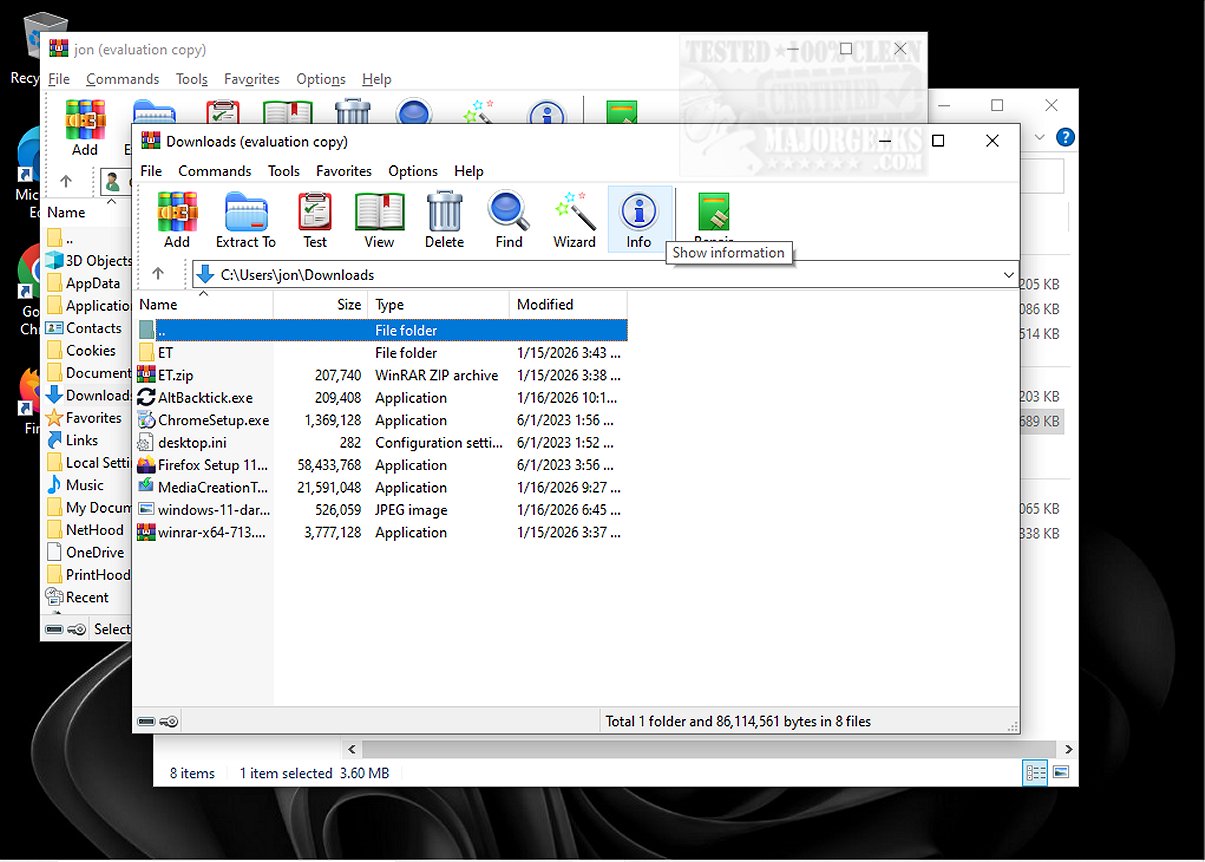
AltBacktick is a newly released lightweight application aimed at optimizing window navigation for users who often handle multiple instances of the same program. With the simple Alt + backtick shortcut, users can effortlessly switch between windows of the same application, enhancing their workflow and productivity.
What is AltBacktick Designed For?
AltBacktick is tailored for users who frequently work with various instances of a specific application. By utilizing the Alt + backtick shortcut, users can navigate through open windows of the same program without the hassle of cycling through all applications, as is done with the conventional Alt + Tab shortcut.
Locating the Backtick Key
For those unfamiliar, the backtick key (`) is positioned directly above the TAB key on a QWERTY keyboard. Users with different keyboard layouts will find that the shortcut corresponds to the key located above the TAB key in their setup.
Enhancing User Experience
While the Alt + Tab function allows for switching between all open windows on a desktop, AltBacktick specifically enhances the user experience by streamlining navigation within a single application. This functionality closely resembles the CMD + tilde shortcut utilized on Mac systems, making it a familiar and efficient alternative for users transitioning between platforms.
Seamless Operation Without an Interface
AltBacktick operates as a zero-interface program, meaning it does not require a traditional graphical interface to function. Users can launch the application and immediately use the Alt + backtick shortcut to switch between open windows easily. Its design is akin to Easy Window Switcher, but AltBacktick boasts broader application support and the capability to manage minimized windows, significantly boosting multitasking efficiency.
Simplified Navigation for Multiple Windows
For users who work with extensive applications that feature numerous windows, having a straightforward method to navigate between them is crucial. The Alt + Backtick shortcut simplifies this process, enabling users to browse their active windows systematically without the need for excessive clicking.
The Geek Verdict
AltBacktick is an essential tool for anyone looking to manage multiple windows within a single application effectively. By facilitating smooth and efficient switching, it offers a significant advantage over the standard Alt + Tab method, particularly when dealing with several instances of programs like Notepad. Users are encouraged to leverage this powerful tool to enhance their workflow and navigate their tasks with remarkable ease.
Extended Features on the Horizon
Looking ahead, AltBacktick may introduce additional features such as customizable shortcuts, visual indicators for active windows, or integration with other productivity tools. As user needs evolve, the developers could also explore incorporating multi-monitor support and enhanced compatibility with various operating systems, further solidifying AltBacktick's role as a pivotal asset in modern digital workflows
What is AltBacktick Designed For?
AltBacktick is tailored for users who frequently work with various instances of a specific application. By utilizing the Alt + backtick shortcut, users can navigate through open windows of the same program without the hassle of cycling through all applications, as is done with the conventional Alt + Tab shortcut.
Locating the Backtick Key
For those unfamiliar, the backtick key (`) is positioned directly above the TAB key on a QWERTY keyboard. Users with different keyboard layouts will find that the shortcut corresponds to the key located above the TAB key in their setup.
Enhancing User Experience
While the Alt + Tab function allows for switching between all open windows on a desktop, AltBacktick specifically enhances the user experience by streamlining navigation within a single application. This functionality closely resembles the CMD + tilde shortcut utilized on Mac systems, making it a familiar and efficient alternative for users transitioning between platforms.
Seamless Operation Without an Interface
AltBacktick operates as a zero-interface program, meaning it does not require a traditional graphical interface to function. Users can launch the application and immediately use the Alt + backtick shortcut to switch between open windows easily. Its design is akin to Easy Window Switcher, but AltBacktick boasts broader application support and the capability to manage minimized windows, significantly boosting multitasking efficiency.
Simplified Navigation for Multiple Windows
For users who work with extensive applications that feature numerous windows, having a straightforward method to navigate between them is crucial. The Alt + Backtick shortcut simplifies this process, enabling users to browse their active windows systematically without the need for excessive clicking.
The Geek Verdict
AltBacktick is an essential tool for anyone looking to manage multiple windows within a single application effectively. By facilitating smooth and efficient switching, it offers a significant advantage over the standard Alt + Tab method, particularly when dealing with several instances of programs like Notepad. Users are encouraged to leverage this powerful tool to enhance their workflow and navigate their tasks with remarkable ease.
Extended Features on the Horizon
Looking ahead, AltBacktick may introduce additional features such as customizable shortcuts, visual indicators for active windows, or integration with other productivity tools. As user needs evolve, the developers could also explore incorporating multi-monitor support and enhanced compatibility with various operating systems, further solidifying AltBacktick's role as a pivotal asset in modern digital workflows
AltBacktick 1.5.1 released
AltBacktick is a lightweight application designed to improve window navigation for users who frequently work with multiple instances of the same program. By using the Alt + backtick shortcut, AltBacktick lets you seamlessly switch between windows of the same application.