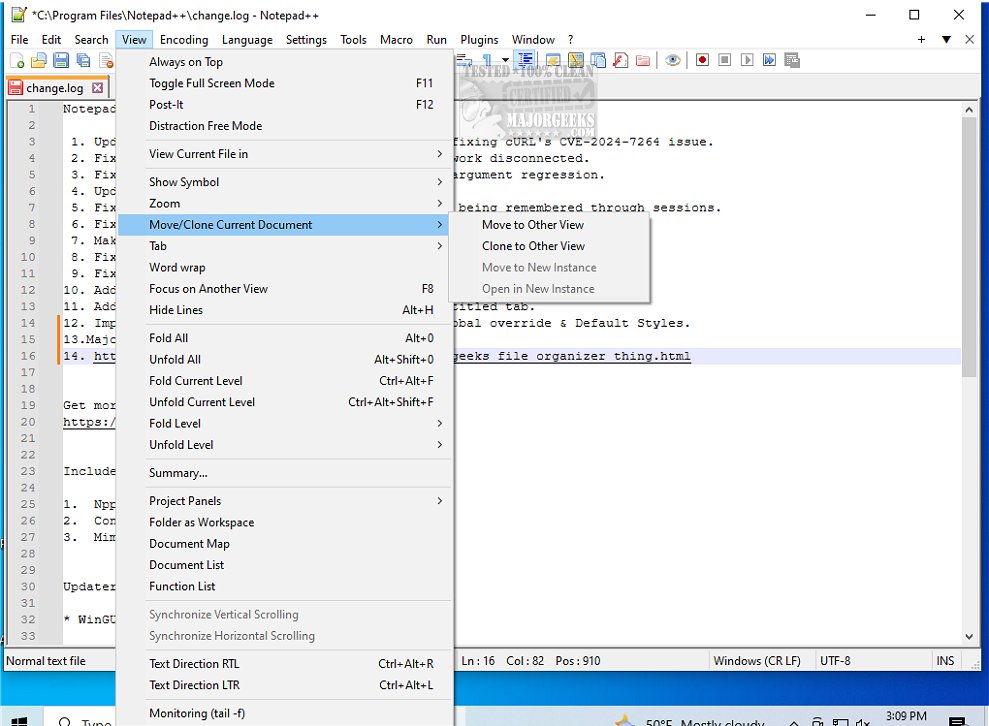
Notepad++ version 8.9.1 has been released, further enhancing the capabilities of this free and open-source source code editor. Unlike the simple Windows Notepad, which is limited to basic text editing, Notepad++ is designed for developers, system administrators, and power users who require a more robust tool for coding, scripting, and note-taking.
Notepad++ offers numerous features that set it apart, including support for over 70 programming languages, syntax highlighting, tabbed files, line numbering, auto-complete, and a macro recorder. Its multi-document interface allows users to work on multiple files simultaneously, making it more efficient than traditional text editors. Additionally, the software is highly customizable, with a wide range of themes and plugins available to tailor it to individual workflows.
The editor is also lightweight and fast, consuming minimal system resources, which makes it suitable for both high-performance computers and older systems. Features like auto-save and session restore ensure that users never lose their progress.
In summary, Notepad++ is an essential tool for anyone who frequently works with text files, offering a combination of power and user-friendliness that is hard to beat. Whether you're a developer writing complex code or a casual user needing a reliable text editor, Notepad++ is a valuable asset that enhances productivity and efficiency.
For newcomers and seasoned users alike, there are countless resources available online, including tutorials and forums, to help maximize the use of Notepad++. The ongoing support and updates mean that Notepad++ will likely remain a top choice for text editing and coding for years to come. If you haven't yet explored what Notepad++ can offer, now is a great time to download the latest version and experience the benefits firsthand
Notepad++ offers numerous features that set it apart, including support for over 70 programming languages, syntax highlighting, tabbed files, line numbering, auto-complete, and a macro recorder. Its multi-document interface allows users to work on multiple files simultaneously, making it more efficient than traditional text editors. Additionally, the software is highly customizable, with a wide range of themes and plugins available to tailor it to individual workflows.
The editor is also lightweight and fast, consuming minimal system resources, which makes it suitable for both high-performance computers and older systems. Features like auto-save and session restore ensure that users never lose their progress.
In summary, Notepad++ is an essential tool for anyone who frequently works with text files, offering a combination of power and user-friendliness that is hard to beat. Whether you're a developer writing complex code or a casual user needing a reliable text editor, Notepad++ is a valuable asset that enhances productivity and efficiency.
Extended Overview:
As the software continues to evolve, users can expect more updates and features in future releases. Many users appreciate the active community surrounding Notepad++, which contributes to its development by creating plugins and themes that enhance its functionality. The ability to automate repetitive tasks and customize the interface makes it an attractive option for those looking to streamline their workflow.For newcomers and seasoned users alike, there are countless resources available online, including tutorials and forums, to help maximize the use of Notepad++. The ongoing support and updates mean that Notepad++ will likely remain a top choice for text editing and coding for years to come. If you haven't yet explored what Notepad++ can offer, now is a great time to download the latest version and experience the benefits firsthand
Notepad++ 8.9.1 released
Notepad++ is a free source code editor that includes support for several programming languages.