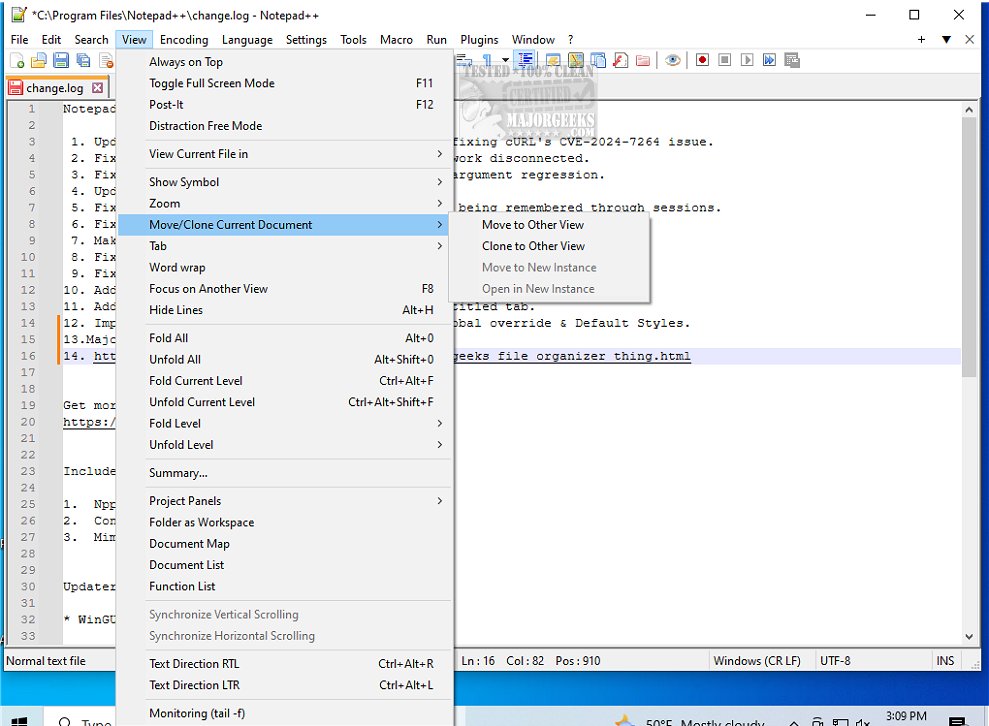
Notepad++ version 8.8.9 has just been released, enhancing its reputation as a free, open-source source code editor that supports numerous programming languages. Notepad++ stands out as a lightweight yet powerful alternative to the basic Windows Notepad, which is limited to simple text editing tasks. While Notepad is suitable for quick notes and basic file edits, Notepad++ offers advanced features tailored for developers, system administrators, and power users seeking enhanced text editing capabilities.
Notepad++ provides a wealth of functionalities, including syntax highlighting for over 70 programming languages, a multi-document interface that allows users to work with multiple files simultaneously through tabs, and customizable themes and plugins to enhance workflow. Additionally, it includes features such as auto-save and session restore to prevent data loss, all while being efficient in resource usage.
The appeal of Notepad++ extends beyond just developers; IT professionals value it for editing configuration files, while casual users appreciate its clean interface and efficiency for everyday tasks. Its ability to combine robust features with a user-friendly experience makes it an essential tool for anyone who frequently deals with text files.
In summary, Notepad++ is a versatile and powerful text editor that significantly enhances productivity compared to traditional options. Its features cater to a wide range of users, from casual note-takers to seasoned developers. If you haven't explored Notepad++ yet, it's time to consider upgrading to this superior text editing solution.
As you explore Notepad++, here are some additional resources to enhance your experience:
- Learn how to customize your context menu to include 'Open With Notepad'.
- Discover methods to change font size, color, and style in both Notepad and WordPad on Windows 10 and 11.
- Find out how to clear recent documents history in WordPad to maintain privacy.
- Master the techniques for finding or replacing text in both Notepad and WordPad for efficient editing
Notepad++ provides a wealth of functionalities, including syntax highlighting for over 70 programming languages, a multi-document interface that allows users to work with multiple files simultaneously through tabs, and customizable themes and plugins to enhance workflow. Additionally, it includes features such as auto-save and session restore to prevent data loss, all while being efficient in resource usage.
The appeal of Notepad++ extends beyond just developers; IT professionals value it for editing configuration files, while casual users appreciate its clean interface and efficiency for everyday tasks. Its ability to combine robust features with a user-friendly experience makes it an essential tool for anyone who frequently deals with text files.
In summary, Notepad++ is a versatile and powerful text editor that significantly enhances productivity compared to traditional options. Its features cater to a wide range of users, from casual note-takers to seasoned developers. If you haven't explored Notepad++ yet, it's time to consider upgrading to this superior text editing solution.
As you explore Notepad++, here are some additional resources to enhance your experience:
- Learn how to customize your context menu to include 'Open With Notepad'.
- Discover methods to change font size, color, and style in both Notepad and WordPad on Windows 10 and 11.
- Find out how to clear recent documents history in WordPad to maintain privacy.
- Master the techniques for finding or replacing text in both Notepad and WordPad for efficient editing
Notepad++ 8.8.9 released
Notepad++ is a free source code editor that includes support for several programming languages.